
DTF Technology Johor
Best Artwork Types for DTF Printing
Learn which artwork files give the cleanest DTF results for logos, full-colour graphics, names, numbers and custom T-shirts.
Direct answer: the best artwork for DTF printing is usually clean vector artwork such as AI, EPS, SVG or a well-prepared PDF. High-resolution PNG files with transparent backgrounds are also very suitable, especially for full-colour raster artwork. JPG can work when the image is large and sharp, but it is less ideal because it does not support transparency and may contain compression artefacts. The artwork should be prepared at the final print size, with clean edges, readable text and enough resolution for the intended garment placement.
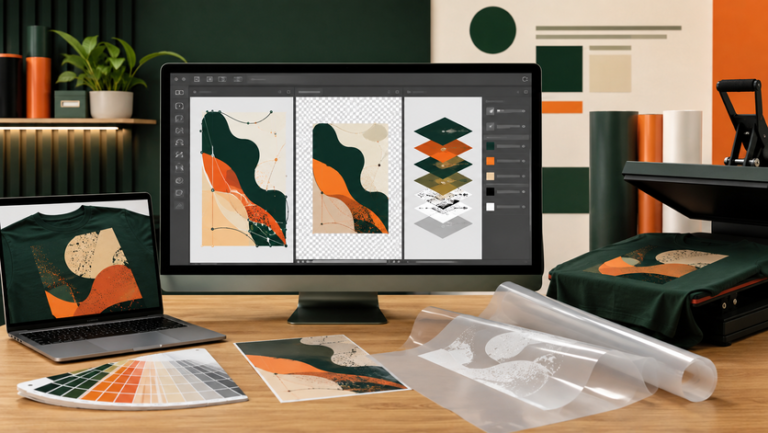
Quick Comparison
Best File Types for DTF Printing
| File Type | DTF Suitability | Best For | Main Advantage | Watch Out For |
|---|---|---|---|---|
| AI / EPS / SVG | Excellent | Logos, icons, text and simple illustrations | Scales cleanly without losing sharpness | Fonts should be outlined or supplied correctly |
| Excellent when properly exported | Mixed vector and text artwork | Easy to share while preserving layout | Check that linked images and fonts are embedded | |
| PNG | Very good | Full-colour graphics and transparent artwork | Supports transparency | Needs enough resolution at final print size |
| PSD | Very good when organised | Layered raster artwork and photo-based graphics | Editable layers help final adjustments | Large files and missing fonts can complicate edits |
| JPG | Acceptable | Photos and simple flat images | Easy to send | No transparency and possible compression artefacts |
| Screenshot / Small Web Image | Poor | Reference only | Fast to share | Usually too small, blurry or compressed for clean printing |
Best for Logos
Vector artwork keeps edges and text sharp when resized for chest, front or back printing.
Best for Transparent Graphics
High-resolution PNG is useful when the artwork includes texture, shading or full-colour raster effects.
Best for Photo Artwork
Use a large original image rather than a screenshot or a small social-media download.

Artwork Options
Different DTF Artwork Types Suit Different Garments
Company Logos
Vector AI, EPS, SVG or PDF is the best starting point for clean edges and consistent brand shapes.
Full-Colour Illustrations
High-resolution PNG or layered PSD works well for complex colour, shading and texture.
Names and Numbers
Editable vector text is ideal because each name or number can be changed cleanly before printing.
Photo-Based Designs
Use the largest original image available and avoid screenshots or compressed images from messaging apps.
Kids' Shirts
Keep the same artwork but reduce print size so the design stays proportional on smaller garments.
Oversized T-Shirts
Larger artwork can work well, but the source file must have enough detail for the bigger print area.
| Artwork Style | Recommended Source | Why |
|---|---|---|
| Simple company logo | Vector | Sharp edges and easy resizing |
| Gradient illustration | High-resolution PNG or PSD | Preserves colour transitions and texture |
| Personalised names | Editable vector text | Easy to change each garment cleanly |
| Photo print | High-resolution original JPG or PSD | More image detail at final print size |
| Small kids' print | Same master artwork, scaled down | Keeps the design proportionate |
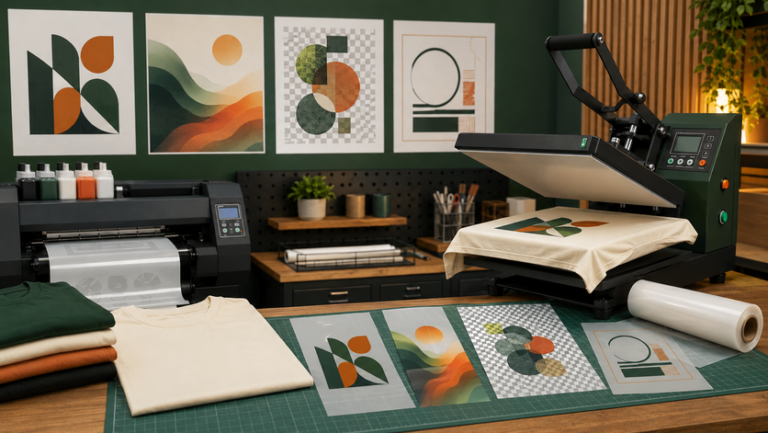
DTF Printing Preparation
Artwork Quality Directly Affects the Final DTF Print
DTF can reproduce detailed colour and small elements, but it cannot create detail that is missing from a low-quality source file.
Clean Edges
Logos should not have pixelated outlines, fuzzy backgrounds or unwanted white boxes.
Correct Print Size
Prepare artwork close to the final dimensions instead of scaling a tiny image up dramatically.
Readable Text
Very thin letters and tiny wording may not print as clearly as larger, cleaner typography.
| Artwork Problem | What Can Happen | Better Preparation |
|---|---|---|
| Low-resolution image | Blurred or jagged print | Use original high-resolution artwork |
| White JPG background | Unwanted box may print around the design | Use transparent PNG or remove the background |
| Missing font | Text can change appearance | Outline fonts or provide the correct editable file |
| Very thin details | Fine elements may become weak or difficult to read | Thicken critical lines and simplify tiny details |
| Wrong artwork size | Design may look too large or too small on the garment | Approve final dimensions and placement first |
- Do not send a screenshot when the original file is available.
- Do not enlarge a tiny logo and expect sharp edges.
- Do not leave an unwanted white background behind the artwork.
- Do not finalise personalised names without checking spelling and size.
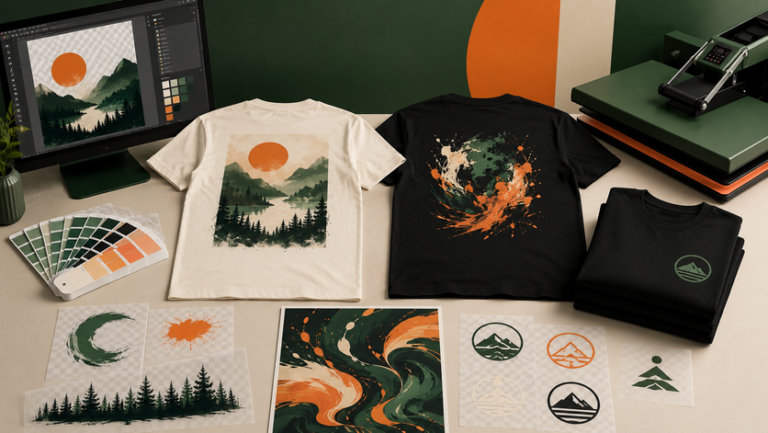
Material, Colour and Design
Prepare Artwork for the Actual Shirt Colour
Dark Shirts
Check that dark parts of the artwork do not disappear into the shirt colour.
Light Shirts
Pale artwork may need stronger contrast so the design remains visible.
Transparent Background
Use transparency when the shirt itself should show around and through the design.
Gradients
Smooth gradients can work well in DTF when the source file is clean and high resolution.
Fine Lines
Very thin outlines should be checked at final print size so they do not become too weak.
Final Dimensions
A design should be checked at the actual chest, front, back or sleeve dimensions before approval.
| Design Feature | Better DTF Preparation |
|---|---|
| Transparent areas | Use PNG, PSD or vector artwork with transparency |
| Fine text | Increase size or weight where necessary |
| Gradients | Keep the original high-quality file rather than a compressed screenshot |
| Multiple shirt colours | Prepare light-shirt and dark-shirt artwork versions if needed |
| Large front print | Check both resolution and final physical dimensions |

Ordering Process
How to Prepare Artwork Before Sending It for DTF
- Send the original file. Use AI, EPS, SVG, PDF, PSD or high-resolution PNG whenever available.
- Confirm the shirt colour. Artwork contrast can change between white, black, navy and other garments.
- Confirm print dimensions. State whether the artwork is for left chest, centre chest, full front, back or sleeve.
- Check text and spelling. Review names, numbers, dates and event wording before printing.
- Remove unwanted backgrounds. Make sure only the intended design will transfer onto the shirt.
- Approve the final preview. Check size, placement and artwork version before the main order.
Company Logo Order
Vector artwork is the best starting point because it keeps brand shapes and text clean at different sizes.
Event T-Shirt Design
High-resolution PNG or PSD works well when the artwork includes multiple colours, gradients and decorative effects.
Names and Numbers
Keep a master editable layout so every name and number uses the same font, size and spacing.
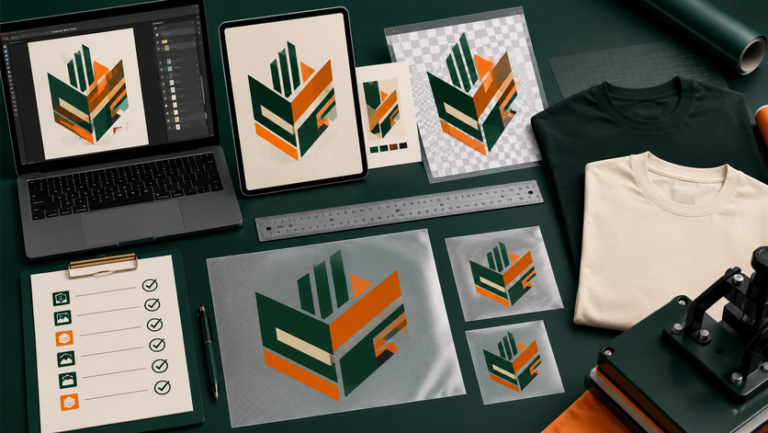
Buyer Checklist
Before Sending Artwork for DTF Printing
- Send the original editable file where possible
- Use vector artwork for logos and clean typography
- Use high-resolution PNG for transparent raster artwork
- Confirm the final print dimensions
- Check shirt colour and artwork contrast
- Remove unwanted backgrounds
- Outline fonts or provide editable text correctly
- Review spelling, names and numbers before approval
What file type is best for DTF printing?
Vector AI, EPS, SVG or a clean PDF is ideal for logos and text. High-resolution PNG is excellent for transparent full-colour graphics.
Can I use a PNG for DTF?
Yes. PNG is one of the most useful DTF formats when it has enough resolution and a clean transparent background.
Can I use a JPG for DTF?
Yes, but JPG does not support transparency and can contain compression artefacts. A large original JPG is better than a small downloaded copy.
Is a screenshot good enough for DTF?
Usually not for larger prints. Screenshots are often too small and can become blurry or pixelated when enlarged.
Do I need a transparent background?
Only when the shirt should show around the design. If the background is part of the intended artwork, keep it.
Should fonts be outlined?
Yes for final vector artwork, especially when the printer may not have the same font installed.
Can DTF print gradients and photos?
Yes. The source artwork should be high quality and prepared at an appropriate final size for the garment.
Prepare Better DTF Artwork
Need Help Checking Your Artwork?
Send the artwork file, shirt type, shirt colour and intended print position. Uniform Johor can help review whether the file is suitable for DTF printing before your order is confirmed.
Related Uniform Johor Articles
Regional Network
Our Other Company Websites
JC Print Malaysia
Main company website for uniforms and printing services.
Visit website →SelangorPrint
Uniform and custom printing support for Selangor buyers.
Visit website →Uniform Penang
Uniform and apparel resources for Penang customers.
Visit website →Uniform Sabah
Uniform and custom apparel resources for Sabah buyers.
Visit website →Uniform Singapore
Uniform and apparel printing information for Singapore.
Visit website →Uniform Hub Singapore
Additional uniform resources for Singapore organisations.
Visit website →Tanah Studio
Apparel and creative services for the Australian market.
Visit website →KitaPrint
Printing support for agents and resellers.
Visit website →